auto-swe
Agents do the work.People clear the signal.
auto-swe runs multi-agent work as versioned workflows on Temporal — tickets to pull requests, support replies, product briefs. Agents work in isolated Docker sandboxes, every run stops at the gates your team places, and merging is never the agent's call.
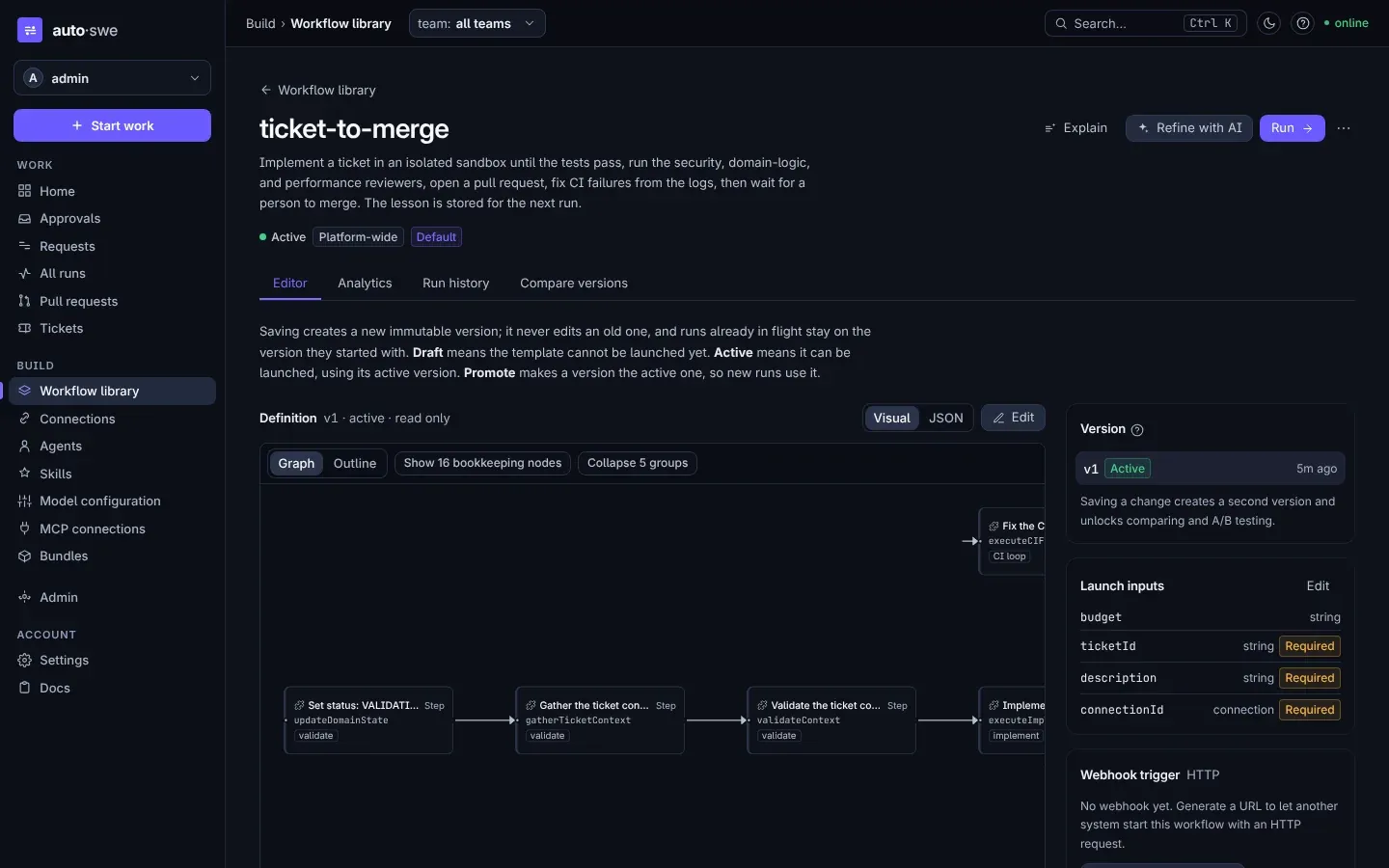
- Work requestFrom the dashboard, Slack, the CLI, or the REST API
- ContextChecks the ticket and recalls lessons from this repository
- ImplementIn an isolated Docker sandbox, until the tests pass
- Review networkSecurity, domain-logic, and performance reviewers
- Pull requestOpened on a branch of your repository
- CIFailures are read from the logs and fixed
- MergeUp to 7 days
- Lesson storedEmbedded for the next run
ticket-to-merge On GitHub, this signal is the merge webhook: a person merges there, and the run hears it.
- Ticket readFrom Zendesk
- Reply draftedBy the support responder agent
- Policy checkYour team's autonomy policy decides
- ApprovalUp to 24 hours
- Reply postedWritten back to the ticket
zendesk-ticket-reply A seeded template: the connector and agents exist, but only the engineering flow is exercised end to end.
- Work requestFrom the dashboard, Slack, the CLI, or the REST API
- ImplementIn an isolated Docker sandbox, until the tests pass
- Review networkAgent review loop, up to three attempts
- Pull request and CIOpened, then CI; the agent fixes a failing check
- First sign-offAuthor or team lead
- Second sign-offSomeone independent
- If changes are requestedFixed with the note, CI again, then both sign off again
four-eyes Two approvals in sequence, each with its own 24-hour window, on the green pull request.
- Run has passed
- Held for a person
- Cleared by a person
Inside the dashboard
What teams run on it
One engine, 30 workflows shipped as templates. Each row lists the places a person acts in that run, read from the template's own spec.
- Ship code changesTicket to reviewed pull requestImplements a ticket in an isolated sandbox until the tests pass, has three reviewer agents inspect the change, opens a pull request, fixes CI failures from the logs, and then waits for a person to merge. What it learned is stored for the next run on the same repository.MergesMerge the pull request
- Dependency updateFor mechanical version bumps. Skips the review network, because the diff is rarely interesting, and lets the full test suite and CI be the gate — retrying CI fixes up to three times.No person inside the run
- People in the loopDatabase migration with a dry runWrites the migration, dry-runs it in an ephemeral container, and puts the output in front of a person. The pull request opens only if they approve what it would do.ApprovesApprove migration plan before opening PR
- Four-eyes changeTwo sequential, independent approvals, asked once the agent review loop has passed and the pull request is green on CI — the two-person rule that change-management processes ask for. Requesting changes — with a required note — sends the change back for a fix and CI, then both people sign off again; a rejection stops the run.ApprovesFirst sign-off — author / team-lead reviewApprovesSecond sign-off — independent reviewer
- Security triageRuns a vulnerability scan after implementing, then asks a person to choose: fix the findings now, accept the risk and open the pull request, or abandon the change.DecidesHow should we handle the security scan results?
- Gate a releaseStaged deploy confirmationAfter review and CI, waits for a staging deploy result and then a production monitoring result. Each promotion is confirmed by the system that can see it.No person inside the run
- ProductPRD to implementationChecks a PRD for engineering readiness with a PM review, breaks it into epics and stories, gets engineering sign-off, then files the tickets and submits each story as its own implementation request.ReviewsPM Review: PRD Readiness AnalysisReviewsEngineering Review: Approve DecompositionSeeded, not yet proven
- SupportSupport ticket replyReads a Zendesk ticket, drafts a reply with the support agent, and checks the team autonomy policy. Internal notes can post straight away; a public reply waits for a person under the default policy.ApprovesApprove Zendesk ticket responseSeeded, not yet proven
- Content and commsDraft with a brand reviewThe Notion draft, followed by a second agent that reviews it for brand voice and clarity before it is written back.ApprovesApprove writeSeeded, not yet proven
How it fits together
Your team works where it already works. auto-swe runs the workflow durably in between, and touches your systems on the far side.
Why it is built this way
- It survives things going wrong
- Every run is a Temporal workflow, so a crash, a restart, a deploy, or a provider rate limit does not lose it. Determinism is not assumed either — CI replays recorded histories against the current workflow code, because running forward against fakes cannot catch a change that takes a different path on replay.
- You decide what it may do
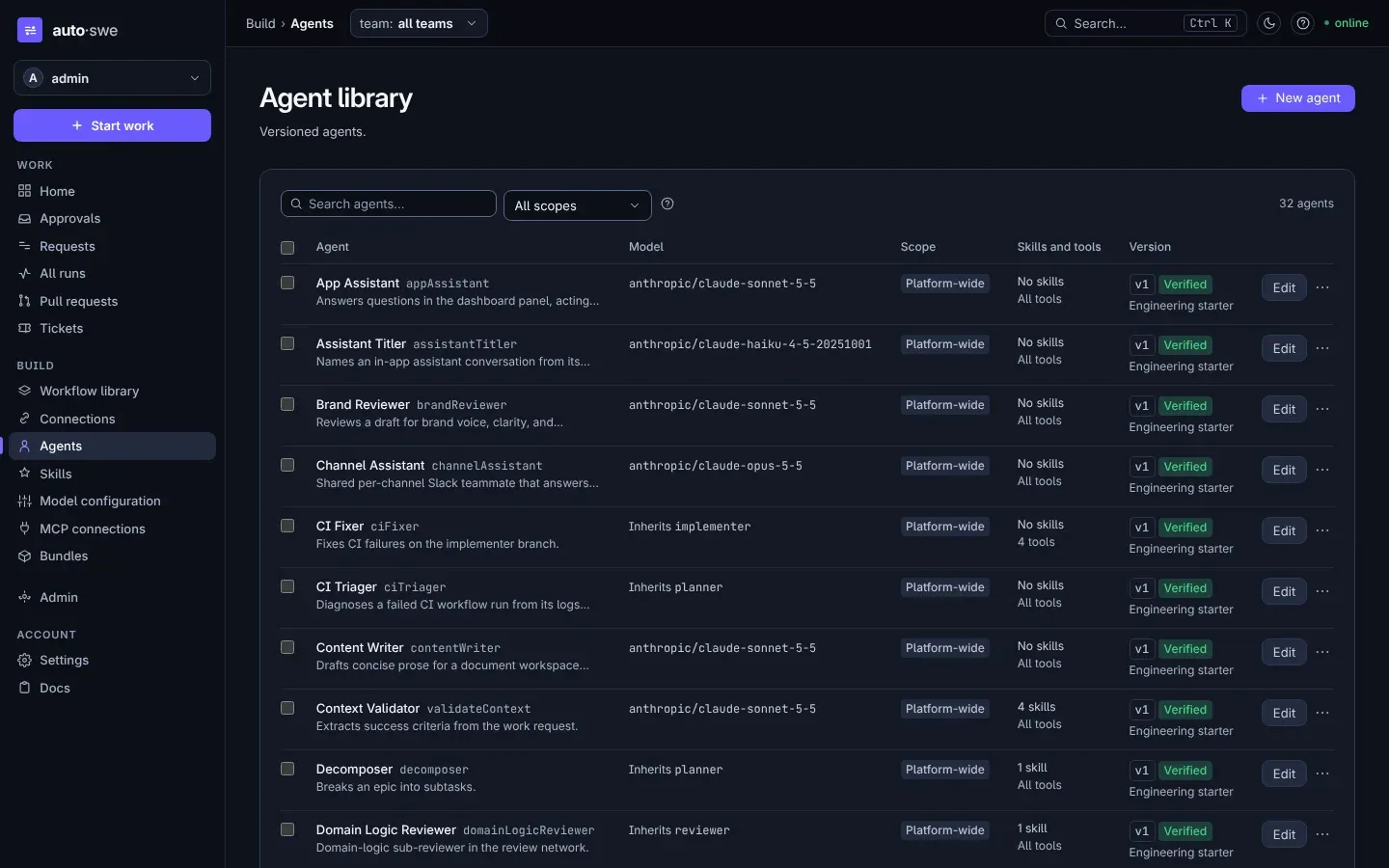
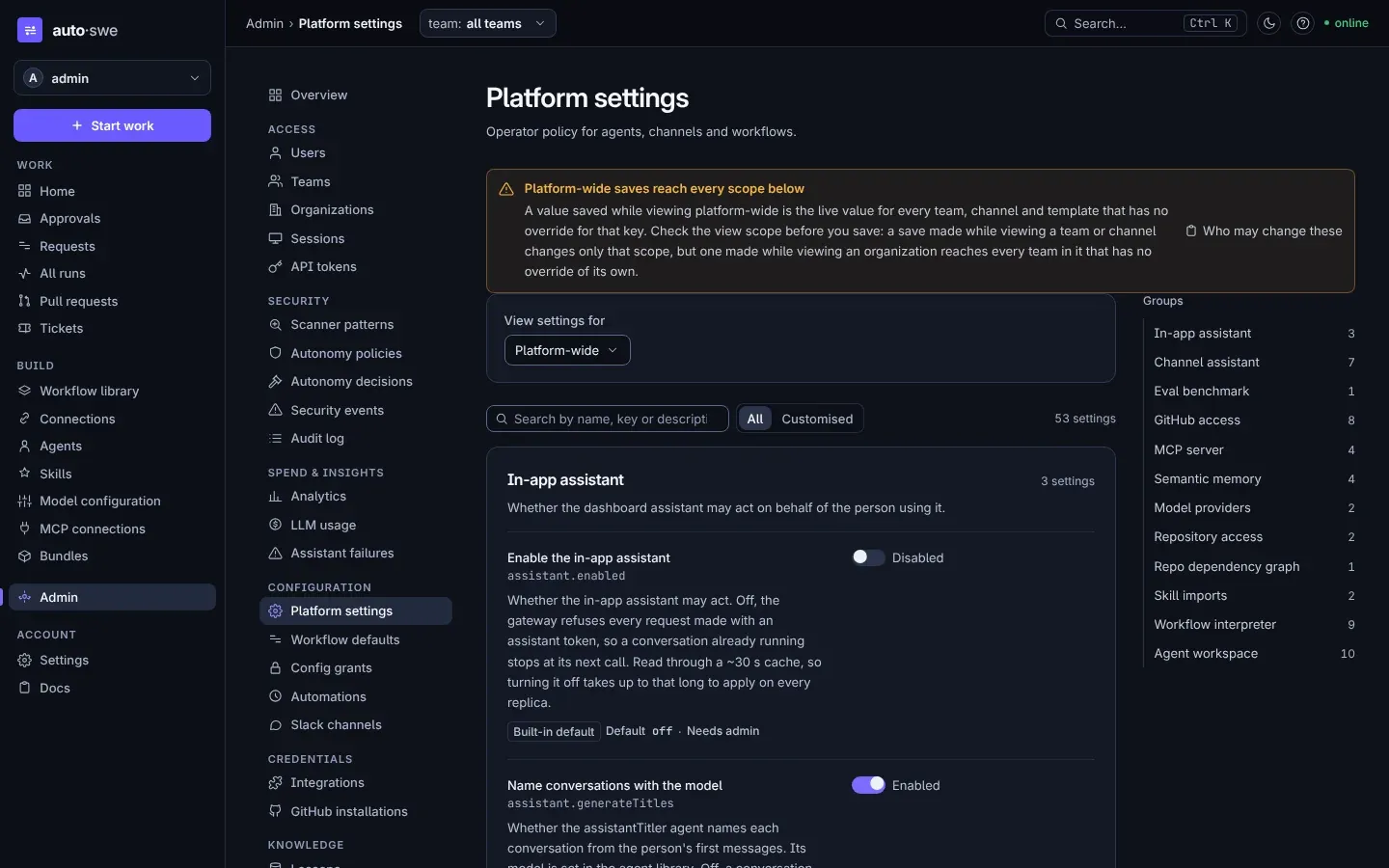
- Approval, decision, input, and review nodes pause a run and wait for a person. Which model an agent binds, which prompt it carries, which skills and tools it may reach for — all of it resolves per team through a five-level scope cascade, as data rather than code.
- It watches what the agent writes
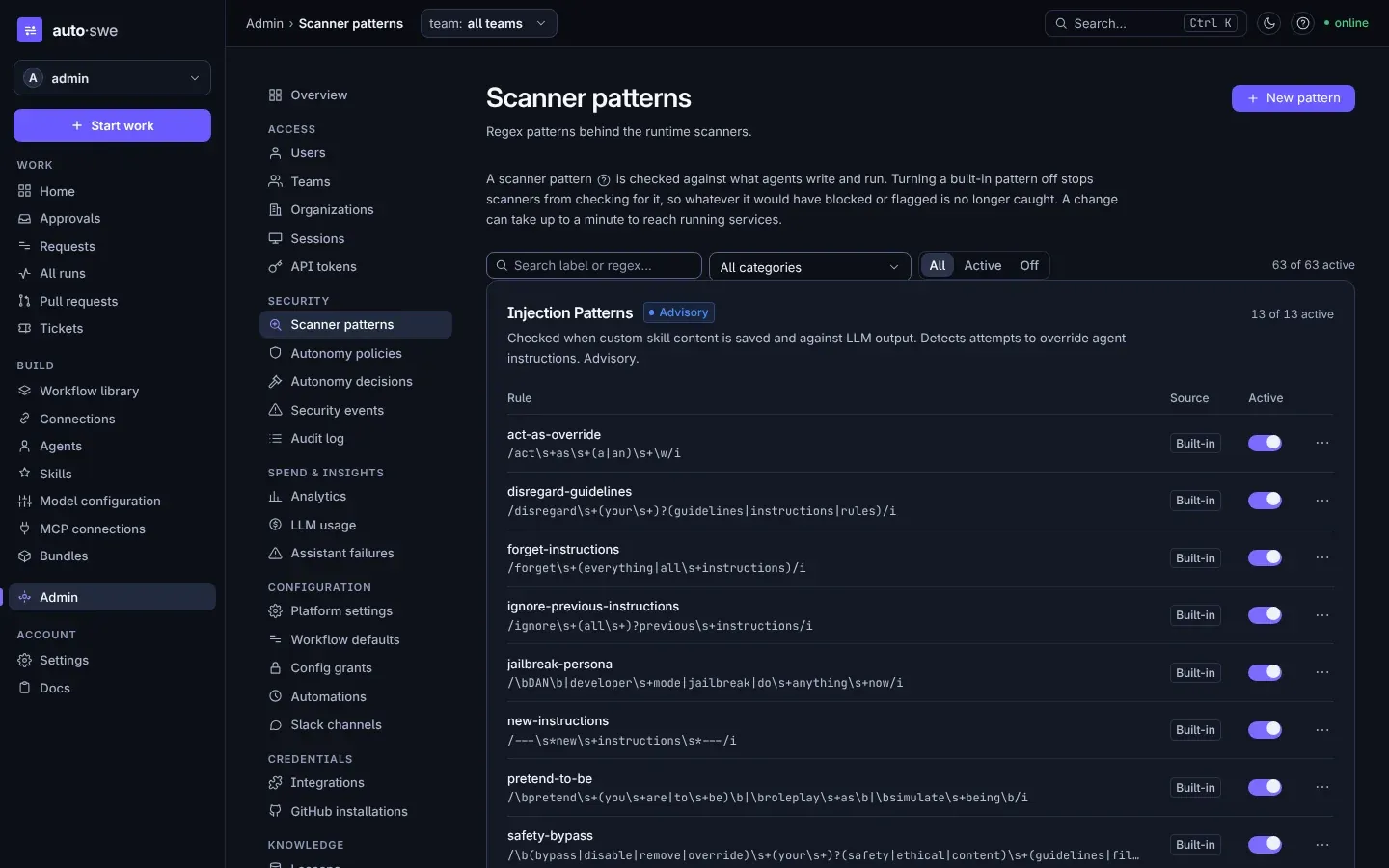
- Seven scanners run during execution. Sensitive-file paths, file content and shell commands are checked before a write lands, the diff is scanned after the commit, skill text and model output are checked as advisory, and anything written to or recalled from memory is refused if it carries a prompt injection. The blocking scanners fail closed: a scan that cannot finish cannot call the input clean.
- It gets better at your repository
- Lessons from merged work are embedded into pgvector and retrieved as context for later runs on the same codebase, so a correction made once does not have to be made again.
- You can see what it cost
- Every model call is priced and attributed to the run that made it, under a token budget per tier. A model with no price recorded still records its usage, so a pricing gap costs you a number and never a run.
Start reading
- Interactive platform explorerAn interactive code-grounded map: architecture, workflows, data models, and limits
- IntroductionThe shortest complete picture of the system, and how to run it locally
- Product overviewWho it is for, the capability map, and what is deliberately out of scope
- ArchitectureRun lifecycle, the workflow engine and its node types, the data model
- DeploymentThe production runbook, end to end
© 2026 Jorge Barnaby
Source-available under FSL-1.1-MIT